

Blog · Guide
How to send a proper invoice in under a minute
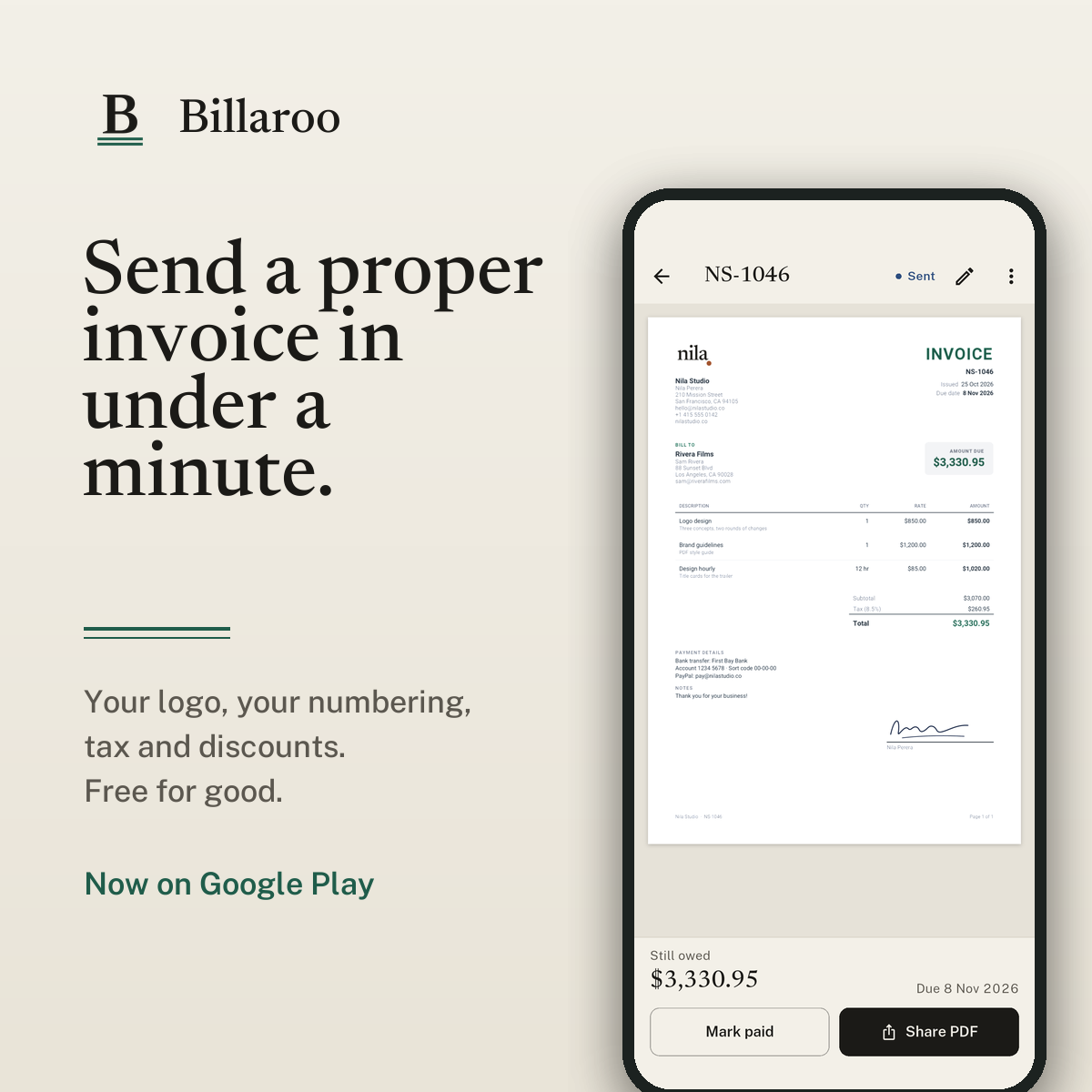
A clear invoice gets paid faster. It tells the client what they're paying for, how much, by when and how. Here's what to put on one, and how to make and send it from your phone with Billaroo.
What every invoice needs
Whatever tool you use, a proper invoice has:
- A unique invoice number
- The date you issued it and the date it's due
- Your business name, contact details and logo
- Who you're billing: the client's name, company and contact details
- A line for each piece of work, with its amount
- The subtotal, any tax or discount, and the total
- How to pay you, such as your bank details or a payment link
Billaroo puts all of these on every invoice, so you don't have to remember them.
Step 1: Set up your business once
The first time you open Billaroo, it asks for your business details: name, email, phone, address, your logo and how clients should pay you. You also choose your currency, tax rate, invoice number prefix and usual payment terms. You can skip any of it and fill it in later from Settings.
Step 2: Pick the client
Start a new invoice and choose a client, or add a new one. Clients are saved, so next time it's a single tap.
Step 3: Add the work
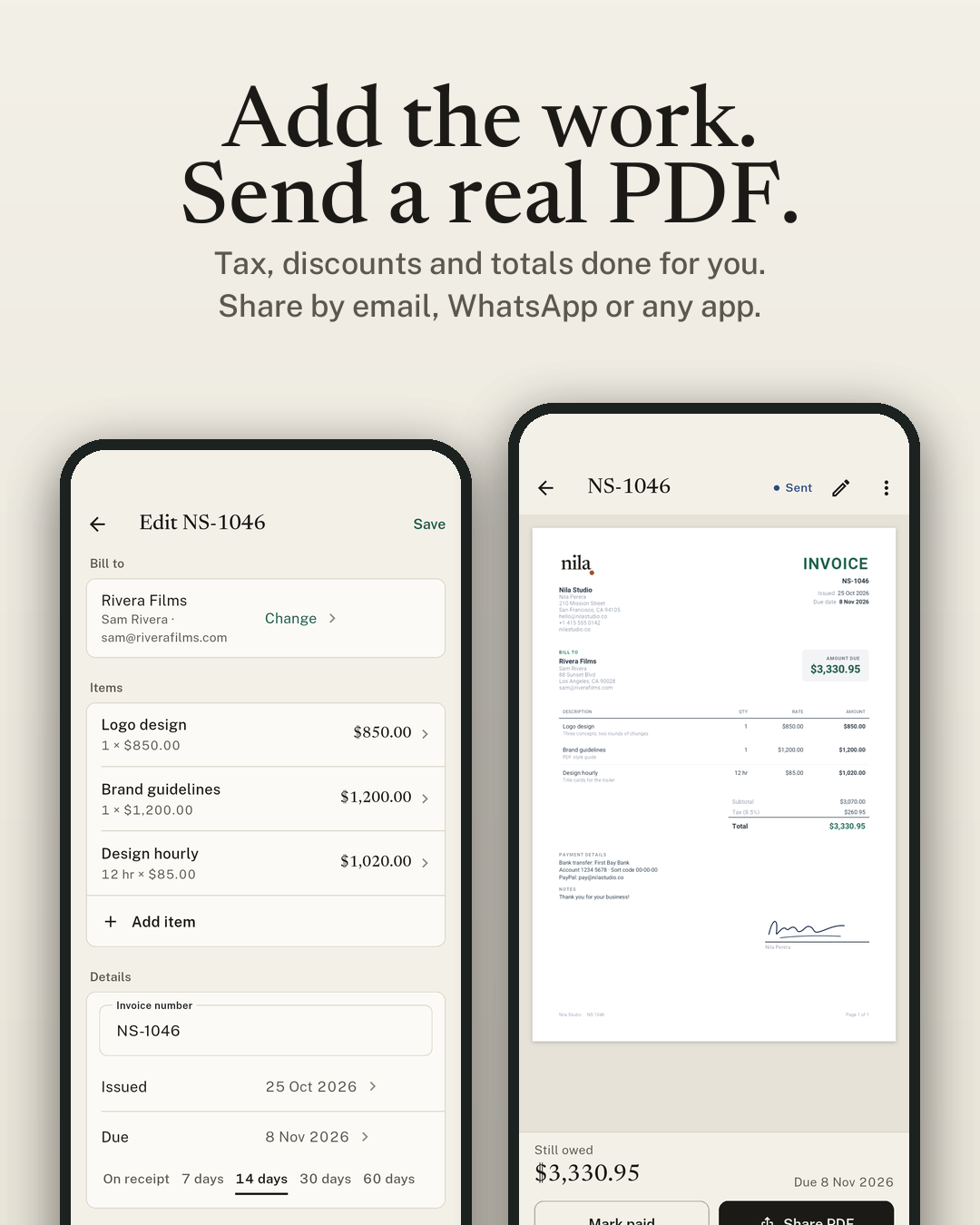
Add a line for each piece of work. For a whole job, like a logo or a website, use a fixed price. For hourly or per-unit work, enter the quantity and the rate and Billaroo multiplies them. Work you bill often can be saved as an item and reused. The tax, discount and total update as you go.
Step 4: Check the dates
The invoice number is filled in for you and never repeats. Pick when it's due with one tap: on receipt, or in 7, 14, 30 or 60 days.
Step 5: Send the PDF
Open the preview to see the real PDF. Tap Share PDF to send it by email, WhatsApp or any other app on your phone, or save or print it. Billaroo marks the invoice as sent.
Step 6: Mark it paid
When the money arrives, tap Mark paid. If the client pays in parts, record each payment and Billaroo shows what's still owed. The home screen shows how much you're owed in total and which invoices are overdue.
Quoting first? Start with an estimate
If a client wants a price before you start, make an estimate instead. It works the same way, and when they say yes you can turn it into an invoice in one tap, with nothing to type again.
Tips for getting paid on time
- Send the invoice as soon as the work is done, while it's fresh for both of you.
- Keep payment terms short and clear. 7 or 14 days is common for freelance work.
- Describe each line so the client knows what it covers, for example "Logo design: three concepts, two rounds of changes".
- Put your payment details on every invoice so nobody has to ask.
- If it's late, send a polite reminder the day after the due date.