
Blog · Launch
Retroflip is on Google Play
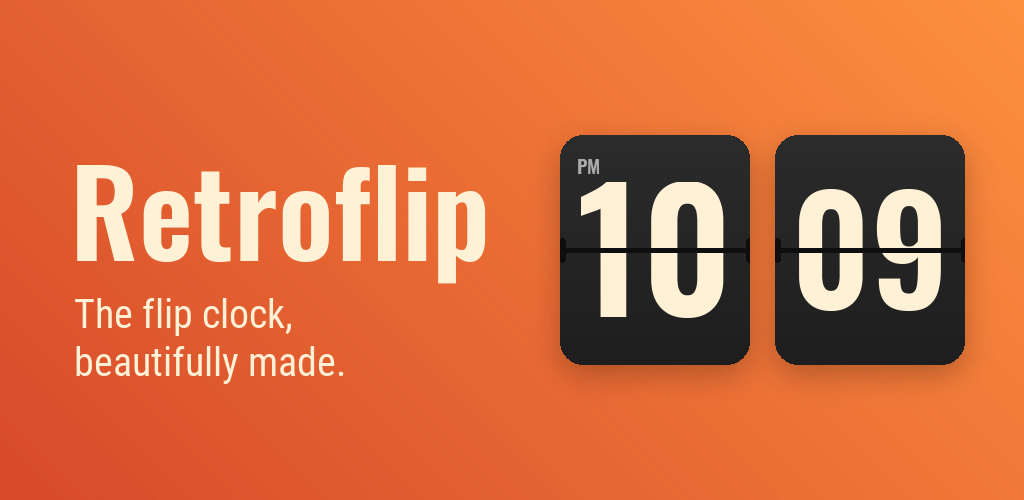
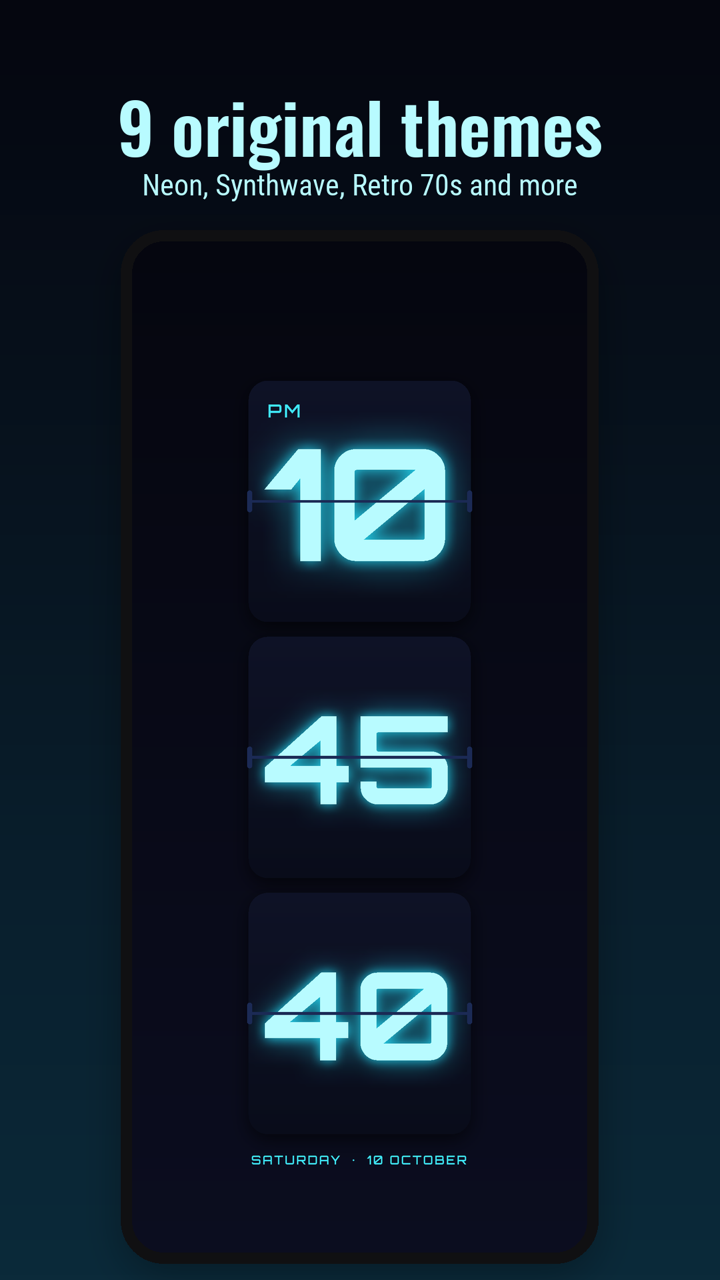
Retroflip turns your phone or tablet into a split-flap clock, the kind with cards that flip over every minute. Stand it on your desk or nightstand, or keep the widget on your home screen.
Why a flip clock
Flip clocks are calm. You can read them from across the room, and the flip of the cards is a small, satisfying way to watch the time go by. Most of the flip clock apps we found were made years ago and look it. We wanted one that looks good on a modern phone and then stays out of the way.
What it does
- A smooth two-stage card flip, like a real split-flap clock
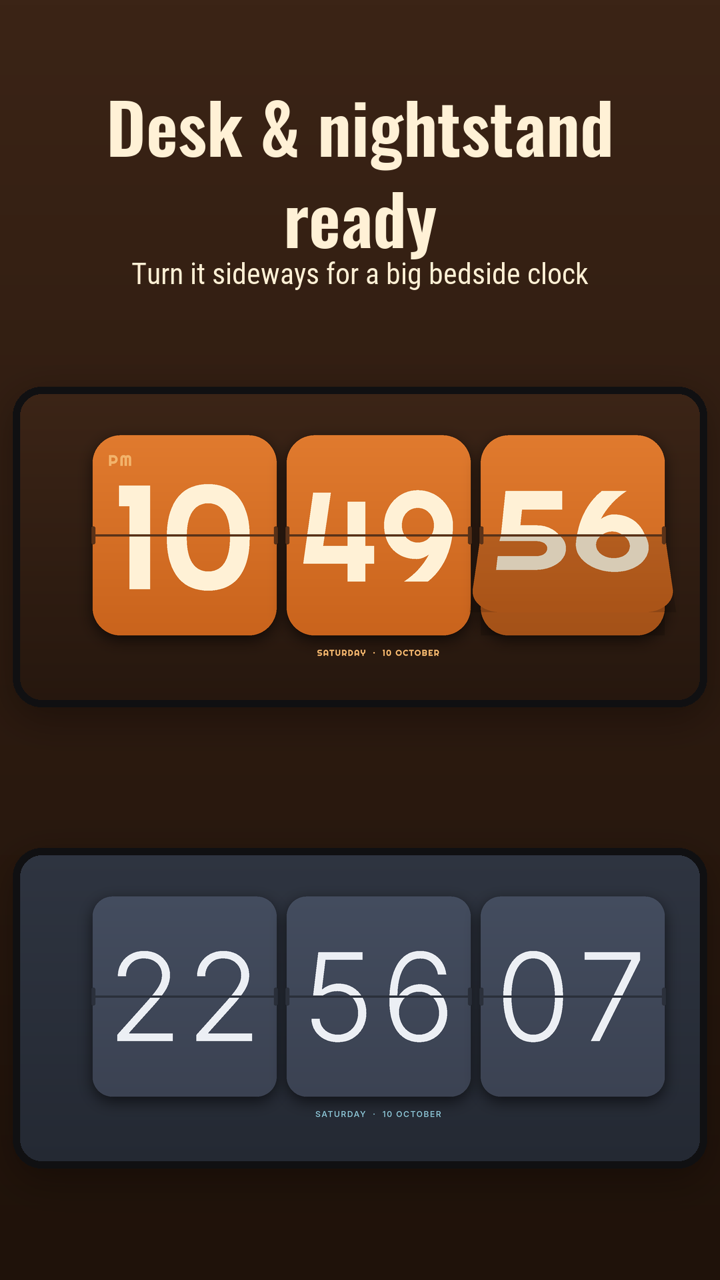
- Big numbers in portrait, or turn the phone sideways for a wide bedside clock
- 12- or 24-hour time, with seconds and the date on or off
- Keeps the screen on while it's open, so it works as a desk or nightstand clock
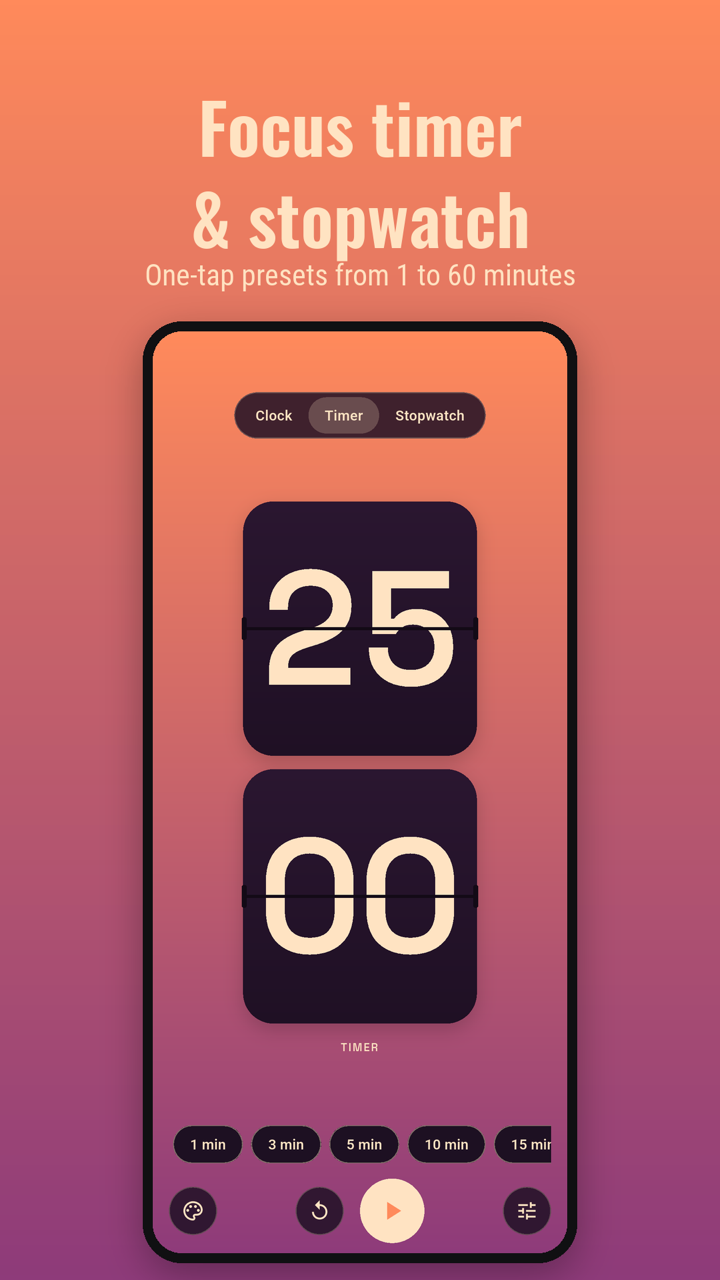
- A focus timer with one-tap presets from 1 to 60 minutes, and a stopwatch
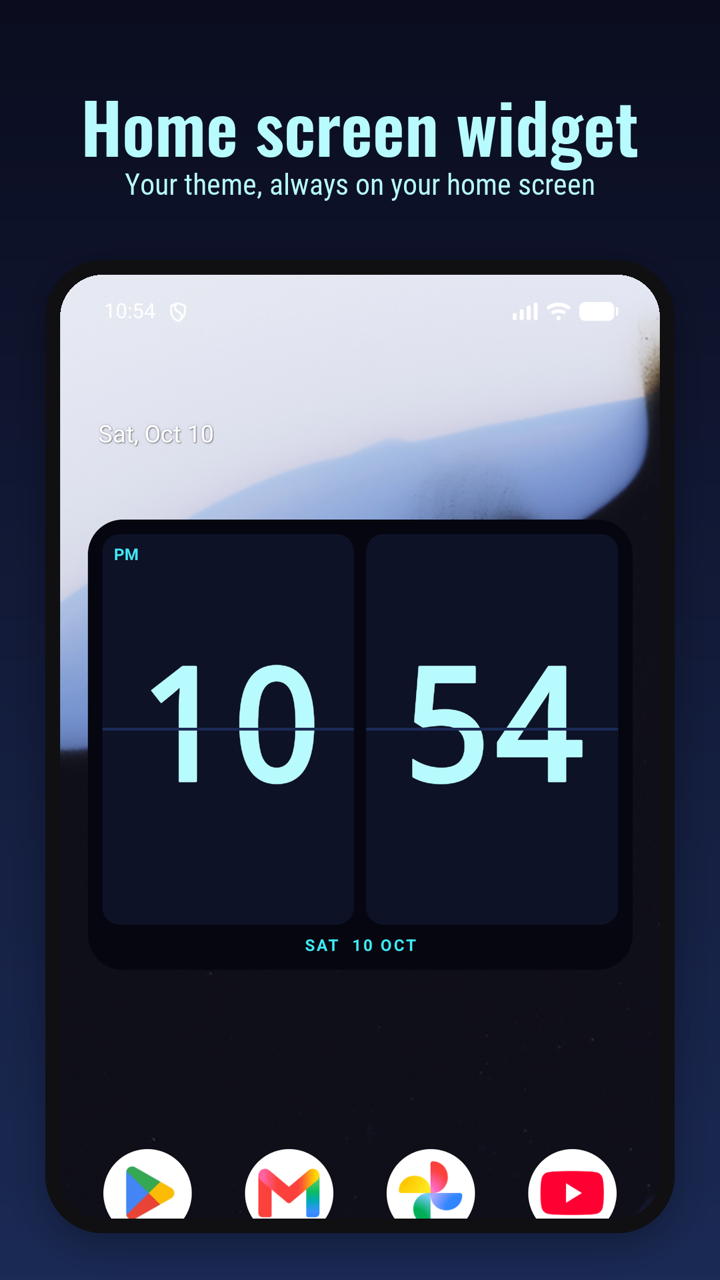
- A home screen widget in your chosen theme
Nine original themes
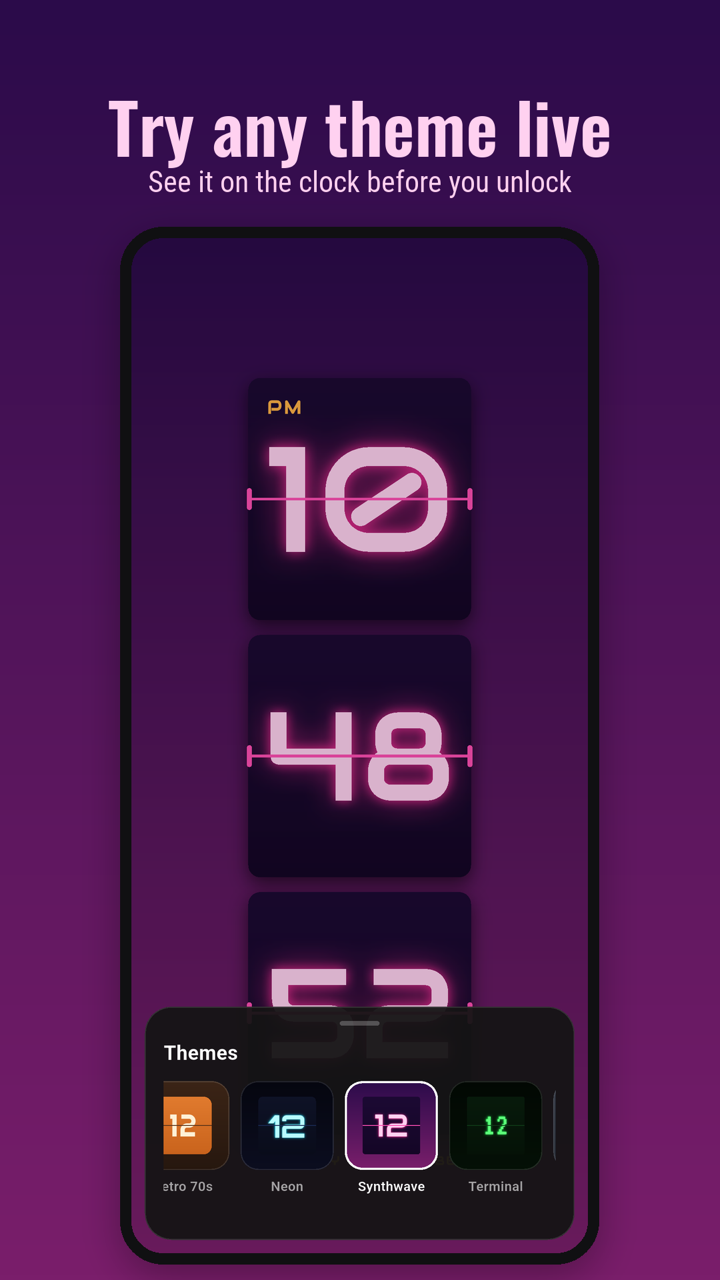
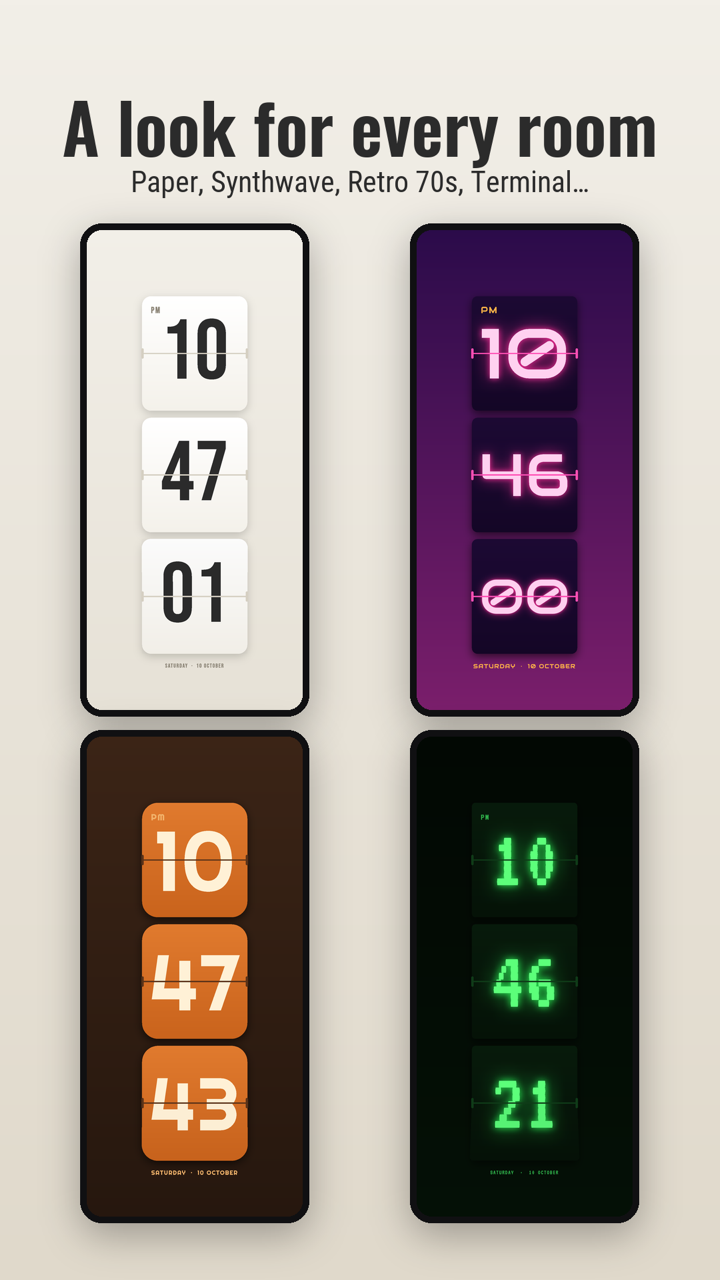
Classic and Paper are free. Retro 70s, Neon, Synthwave, Terminal, Nordic, Sunset and Ivory come with Retroflip Pro. Every theme is our own design, and you can try any of them live on the clock before you buy.
A flip clock on your home screen
Add the Retroflip widget to your home screen and it shows the time in the same theme as the app. It keeps time on its own, so it uses almost no battery.
Free, and Pro is one payment
Retroflip is free with the Classic and Paper themes, and there are no ads. Retroflip Pro is a single in-app purchase that unlocks every theme, including any we add later. There's no subscription.
Private and offline
There's no account and no tracking. Your settings stay on your phone, and every font and graphic is built in, so Retroflip works fully offline. The details are in the privacy policy.
Got a theme idea?
We'd like to hear which looks you'd want next. Email us at contact@airiz.dev, and if you enjoy Retroflip, a review on Google Play helps other people find it.